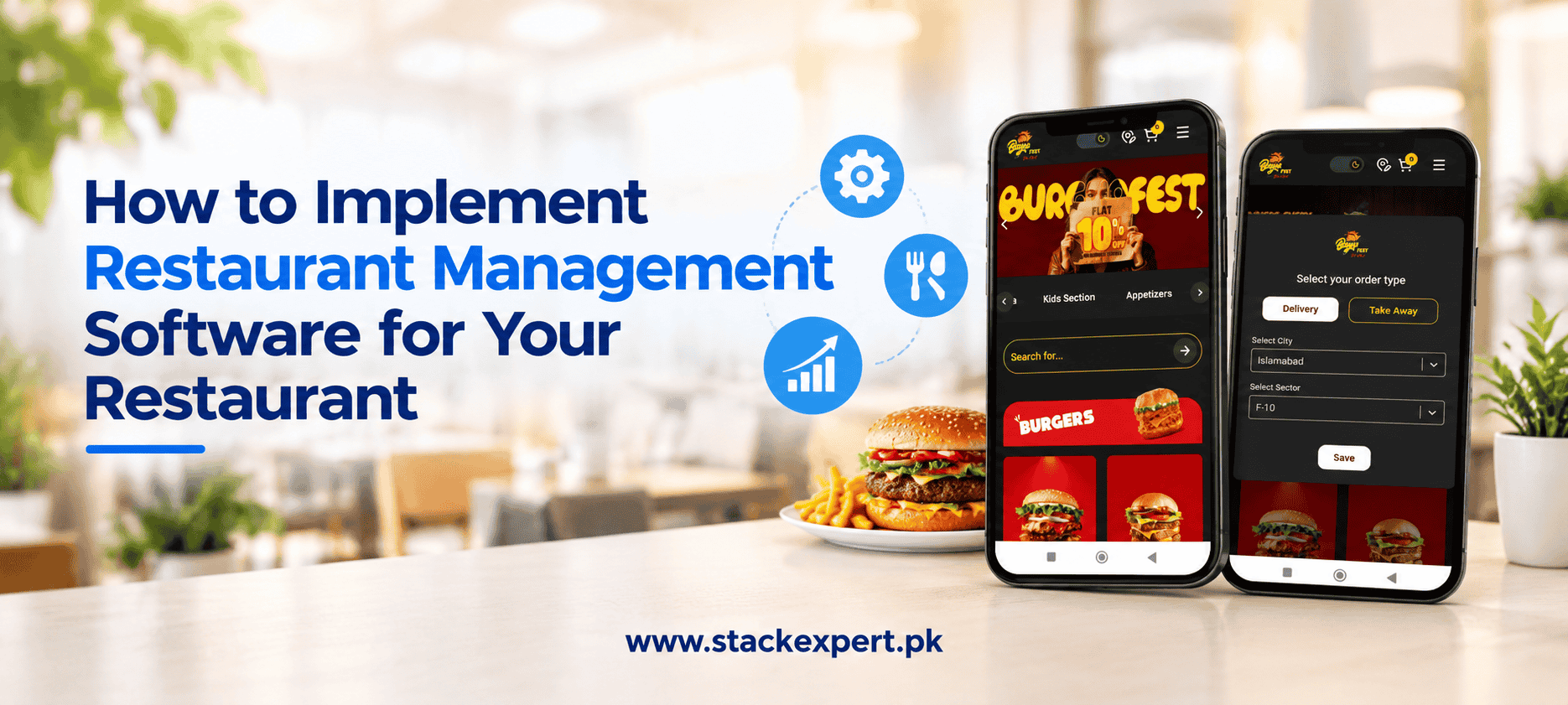

Implementing Restaurant Management Software is an important step toward running a more efficient, organized, and profitable restaurant. From managing customer orders and monitoring inventory to handling billing and analyzing sales, the right software can simplify daily operations and help restaurant owners make better business decisions. However, achieving these benefits requires more than purchasing a system. Restaurants need a clear implementation strategy, suitable technology, and well-organized workflows. Stack Expert helps businesses explore digital and software solutions that align with their operational needs, business objectives, and long-term growth plans.
Whether you manage a small cafe, a fast-food outlet, a full-service restaurant, or multiple branches, this guide explains how to implement a restaurant management system successfully, avoid common mistakes, and identify the right technology for your business.
Why Does Your Restaurant Need Management Software?
Managing restaurant operations manually can become difficult as customer orders increase and business processes become more complex. Paper-based records, disconnected spreadsheets, and separate billing systems can lead to order errors, stock discrepancies, delayed reporting, and unnecessary administrative work.
Restaurant Management Software brings essential processes into a centralized digital environment. Depending on the system, it can connect order processing, point-of-sale (POS) billing, inventory management, kitchen operations, employee access, and sales reporting.
For example, when a customer places an order, the system can send the details to the kitchen, record the transaction, and update inventory when the relevant integrations and settings are configured.
The result is better operational visibility and fewer repetitive tasks. Restaurant owners can spend less time managing scattered records and more time improving food quality, customer experience, and business performance.
Stack Expert understands the importance of selecting technology around real business requirements. Before investing in a restaurant management solution, restaurant owners should identify the operational challenges they want to solve and the outcomes they expect from the system.
Step 1: Assess Your Restaurant’s Business Requirements
The first step in restaurant software implementation is understanding how your restaurant currently operates. Every restaurant has different requirements, so choosing software before evaluating your workflows can result in unnecessary expenses and functionality gaps.
Start by reviewing your existing processes.
- How do you receive and record customer orders?
- Are billing mistakes or order delays common?
- How do you monitor ingredients and stock levels?
- Can you access accurate daily and weekly sales reports?
- Do employees struggle to coordinate orders between the counter and kitchen?
- Do you need to manage takeaway, delivery, online orders, or multiple branches?
Document the main problems and rank them according to their impact on your business.
A small cafe may prioritize quick billing and inventory tracking, while a busy restaurant may require table management, kitchen display integration, online ordering, and detailed reporting.
Set clear implementation goals, such as reducing order-entry errors, improving inventory visibility, or simplifying end-of-day reconciliation.
How Stack Expert adds value: A business-focused technology approach begins with identifying the actual problem rather than selecting software based on features alone. This helps businesses make more informed decisions about their digital requirements.
Step 2: Choose the Right Restaurant Management Software
Once your requirements are clear, compare restaurant management software solutions based on functionality, usability, compatibility, and long-term costs.
The right system should support your current operations without making routine tasks unnecessarily complicated. It should also offer a practical path for expansion if you plan to increase your menu, customer base, or number of locations.
Consider these essential features when evaluating a restaurant management system.
Restaurant POS system: Helps employees process orders, generate bills, record payments, and manage transactions.
Restaurant inventory management software: Tracks ingredient quantities, stock movement, and low-stock alerts. Advanced systems may also support recipe-based ingredient tracking.
Order management system: Organizes dine-in, takeaway, and delivery orders to improve coordination between staff members.
Kitchen order management: Sends orders to compatible kitchen displays or printers, helping kitchen teams receive instructions accurately.
Sales reporting and analytics: Provides insights into revenue, popular menu items, sales trends, and other business indicators.
Employee management: Supports user accounts, access permissions, and staff scheduling where available.
Third-party integrations: Connects compatible payment gateways, accounting applications, online ordering platforms, and delivery services.
Before making a decision, review the provider’s support arrangements, security controls, data backup options, subscription fees, and integration limitations.
If your restaurant requires customized functionality or connections between existing systems, evaluate whether the software can accommodate those requirements.
Stack Expert can be your starting point for exploring business technology and software solutions. Discuss your operational requirements with the team to determine which digital capabilities are relevant to your business before committing to a particular approach.
Step 3: Prepare Your Menu, Inventory, and Business Data
Accurate information is essential for successful restaurant management software implementation. Incorrect menu prices, duplicate records, or outdated stock quantities can affect transactions and undermine the reliability of reports.
Begin by organizing your menu. Add item names, categories, prices, portion sizes, available add-ons, and special instructions. Configure taxes, discounts, and service charges according to your business requirements and applicable regulations.
Next, prepare your inventory records. Document ingredient names, units of measurement, available quantities, supplier details, and purchasing information. If the system supports recipe-level inventory management, connect ingredients to the appropriate menu items.
Review employee accounts, user permissions, and customer records if these are required.
Before importing information, remove duplicates and correct inconsistencies. Compare the final records with your existing documents to confirm that important details are accurate.
This preparation helps establish a reliable starting point for sales tracking, stock monitoring, and operational reporting.
Step 4: Configure the Software Around Your Workflow
Restaurant management software should fit your business processes rather than forcing employees to follow unnecessarily complicated procedures.
Configure the system according to your restaurant’s service model. A fast-food restaurant may need quick order entry and straightforward payment processing, whereas a full-service restaurant may require table assignments, order modifications, and communication between multiple kitchen stations.
Set up menu categories, payment methods, order types, receipt formats, kitchen workflows, and employee permissions.
If your restaurant accepts online orders, determine how these orders will enter the system and reach the correct team members. For inventory tracking, configure stock alerts and purchasing rules where supported.
Establish appropriate access controls for cashiers, kitchen staff, supervisors, and owners. Sensitive actions, including refunds and important configuration changes, should be restricted to authorized employees when the system allows it.
Finally, prepare the reports management needs to review daily, weekly, and monthly.
A properly configured restaurant management system can make routine tasks easier while improving visibility into business performance.
Step 5: Integrate Restaurant Hardware and Other Systems
Many restaurants rely on several devices and applications to manage their operations. During implementation, confirm that your selected software works with the equipment and third-party systems you already use.
Depending on your setup, this may include POS terminals, tablets, receipt printers, kitchen display screens, barcode scanners, payment devices, and accounting software.
Check device compatibility and test internet connectivity throughout the restaurant. If you use delivery platforms or online ordering tools, verify that the necessary integrations are available and functioning correctly.
Run a complete test transaction before launch. Enter an order, send it to the kitchen, generate a bill, process a test payment where appropriate, and confirm that the sale appears correctly in the reporting system.
You should also prepare a backup procedure for internet interruptions or device failures. Offline functionality varies between platforms, so confirm the system’s actual capabilities before relying on it.
For businesses with more complex requirements, evaluating software compatibility and integration needs early can prevent avoidable implementation costs.
Stack Expert helps businesses explore technology solutions with their operational objectives in mind. If your restaurant needs a more connected digital setup, discuss your requirements with the team to identify suitable next steps.
Step 6: Train Employees Before the Official Launch
Even the best restaurant software can become a source of frustration if employees are not comfortable using it. Provide practical training based on each employee’s responsibilities.
Cashiers should practice billing, payment processing, discounts, and refunds. Waiters should learn order entry, table assignments, and special instructions. Kitchen staff should understand how orders arrive and how to update preparation statuses where supported. Managers should learn reporting, inventory controls, and user permissions.
Use realistic examples rather than relying entirely on demonstrations. Ask employees to process sample orders, correct common mistakes, and follow the normal workflow from order placement to payment.
A short reference guide can also help employees perform frequently used tasks without repeatedly asking for assistance.
During the initial rollout, assign someone to answer questions and report recurring issues. This makes it easier to resolve problems before they become routine frustrations.
Staff adoption is an important part of implementation because software delivers limited value when employees continue relying on disconnected manual processes.
Step 7: Test the System and Launch in Stages
Before introducing the system across your entire restaurant, test it in a controlled environment or during a limited shift.
Check dine-in orders, takeaway orders, menu modifications, discounts, split bills, refunds, cancellations, and kitchen communication. Verify that sales reports reflect actual transactions and that inventory updates work as expected.
Compare important figures against your existing records and resolve discrepancies before expanding the rollout.
A phased implementation can be particularly useful for restaurants with multiple branches or complex workflows. Start with a manageable area, gather feedback, fix issues, and gradually introduce the system to other teams or locations.
Keep a record of technical issues, configuration changes, and employee feedback. This creates a practical improvement process rather than leaving problems unresolved after launch.
Careful testing reduces disruption and gives restaurant owners greater confidence in the new system.
Step 8: Measure Results and Improve Restaurant Operations
After implementation, regularly review whether the software is helping your restaurant achieve its original goals. Monitor key performance indicators such as order accuracy, average order processing time, inventory discrepancies, food wastage, sales by menu item, billing corrections, and employee adoption.
Compare these results with your baseline figures. If stock discrepancies remain high, review stock-entry procedures and ingredient settings. If order processing is slow, assess menu organization, device performance, and staff training.
Review user permissions, software updates, data backups, and integration performance regularly. Update configurations when your menu, staffing requirements, or business model changes. Restaurant technology should support continuous improvement, not become another system that receives attention only when something goes wrong.
With the right implementation process, restaurant owners can use business data more effectively, organize everyday work, and make better-informed operational decisions.
Why Choose a Stack Expert for Your Business Technology Needs?
Selecting and implementing the right technology requires a clear understanding of business operations, software requirements, integration needs, and future objectives.
Stack Expert helps businesses explore digital and technology solutions aligned with their operational needs and growth plans. Whether you are reviewing your current digital setup or planning a new software initiative, starting with clearly defined requirements can help you make better technology decisions.
For restaurant owners, the priority should be to identify the processes that need improvement, understand the features required, and determine how different systems will work together.
Stack Expert can help you explore its available technology and software services to understand which options may be relevant to your business. The right next step depends on your existing systems, budget, and implementation goals.
Ready to Improve Your Restaurant’s Operations?
Do not let disconnected processes make restaurant management more complicated than it needs to be.
Connect with Stack Expert to discuss your business technology requirements and explore suitable digital solutions for your restaurant. Visit StackExpert.pk to learn more about the company’s services and get in touch with the team.
A clear discussion about your current challenges can be the first step toward a more organized, efficient, and scalable restaurant operation.
Frequently Asked Questions
Q1. What is restaurant management software used for?
Restaurant management software helps businesses organize tasks such as POS billing, order processing, inventory tracking, kitchen coordination, employee access, and sales reporting. Available features depend on the platform.
Q2. How do I implement restaurant management software successfully?
Start by assessing your business requirements, selecting suitable software, preparing accurate data, configuring workflows, integrating compatible devices, training employees, and testing the system before the full launch.
Q3. How much does restaurant management software cost?
Costs vary depending on the provider, subscription model, number of users or locations, hardware requirements, integrations, and customization. Request a detailed quotation that includes setup, training, maintenance, and recurring fees.
Q4. Can restaurant management software reduce operating costs?
It can help reduce certain avoidable costs by improving inventory visibility, identifying waste, minimizing manual errors, and simplifying administrative tasks. Actual savings depend on the software, implementation quality, and how consistently employees use it.
Q5. Is restaurant management software suitable for small restaurants?
Yes. Small restaurants and cafes can benefit from basic POS billing, order management, and inventory tracking. Choose a solution that meets your current requirements without adding unnecessary complexity or expense.
Q6. Can restaurant management software integrate with online ordering platforms?
Some systems support integrations with online ordering platforms, delivery applications, payment gateways, and accounting tools. Confirm compatibility and any additional integration fees before purchasing.
Q7. How can Stack Expert help my business explore software solutions?
Stack Expert offers digital and technology services for businesses. Visit StackExpert.pk to review the available services and contact the team to discuss your restaurant’s operational challenges, software requirements, and digital growth objectives.